Program Enrollment and Device Connection Flow
Last updated: June 19, 2026
How Enrollment Works: Connecting a Device
Overview
Members will complete a short form, securely connect their device through their manufacturer's account, and choose exactly which devices they want to share. Here's what to expect at each step.
Step 1: Apply (Enrollment Form)
Members start by filling out a short enrollment form to get started with the program.
Fields are completely customizable, but we typically see the following:
Members enter their name, email, and the system address
Member utility account number, which links the application to their utility record.
Members will review and accept the Terms & Conditions, then select Enroll.
Step 2: Connect a Device
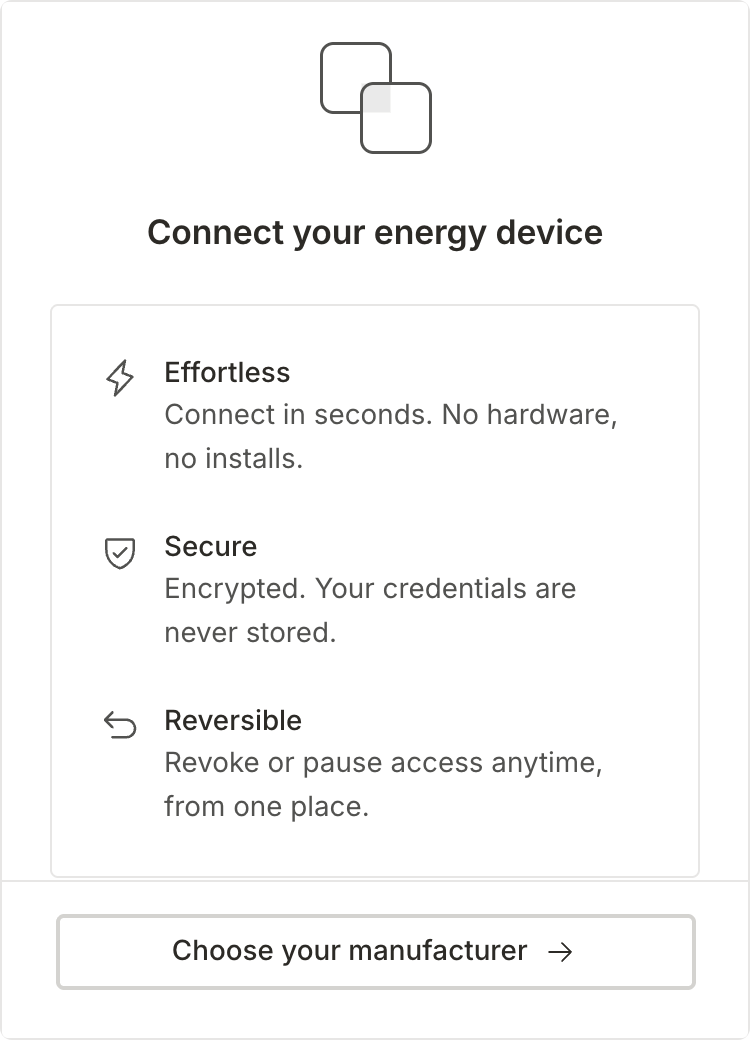
After submitting the form, the member will be automatically redirected to Texture Connect to link their device.
Select Choose your manufacturer to continue.
Step 3: Log in on the Manufacturer's Portal
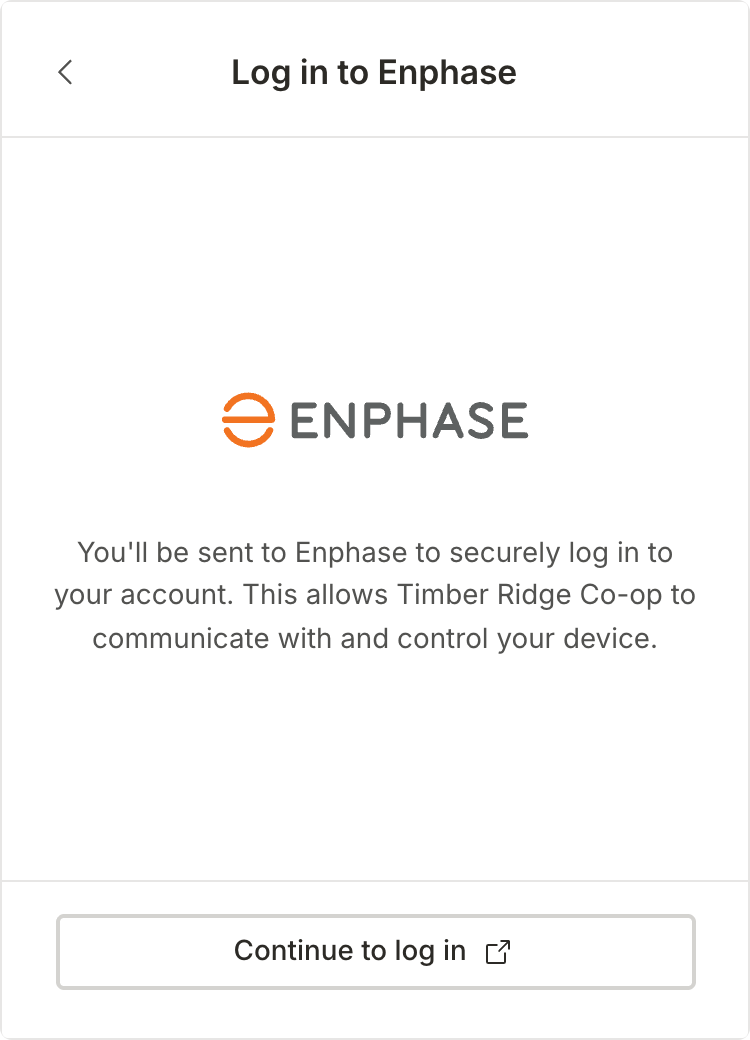
Members will be sent to their device manufacturer's login page (for example, Enphase) to securely sign in to their account.
Member credentials go straight to the manufacturer — they are never stored with Texture.
Members will select Continue to log in and sign in with their manufacturer account.
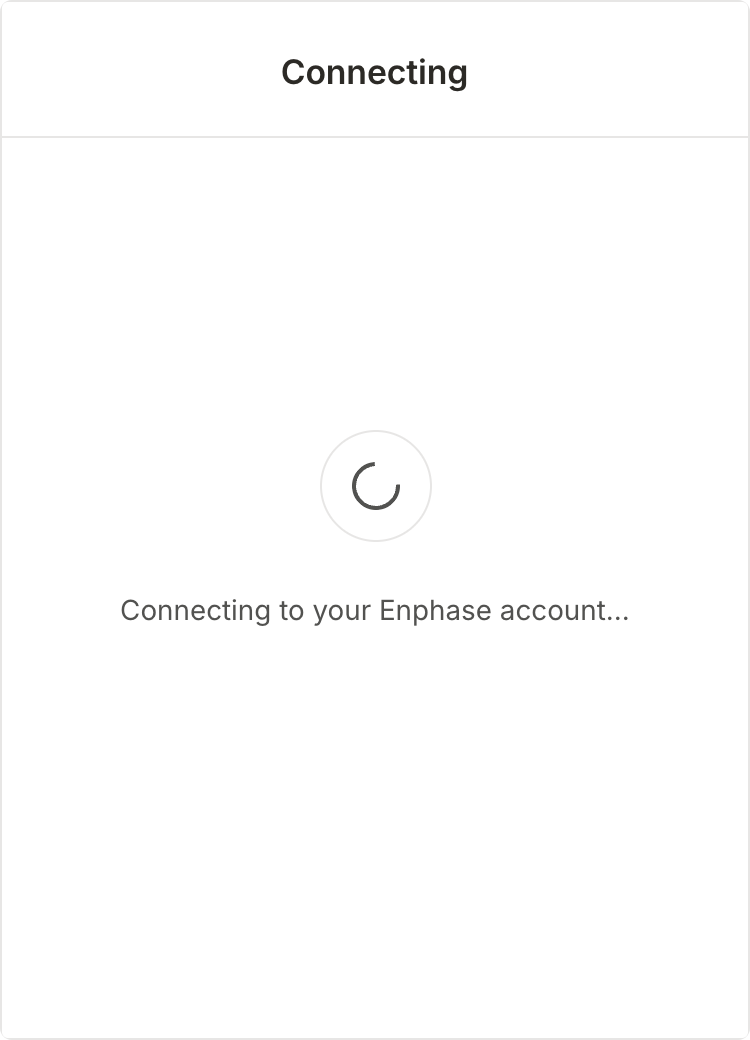
Step 4: Select Your Devices
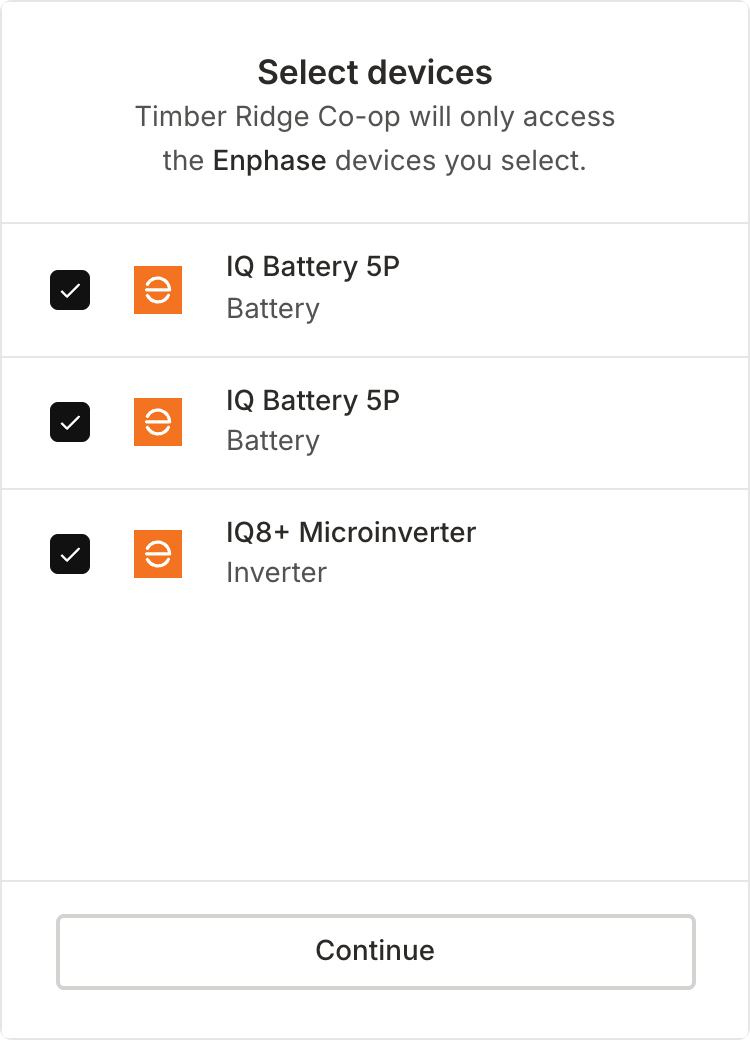
After logging in, members choose which specific devices Texture may access.
Consent is granular and per-device
Texture will only ever access the selected devices.
Members will check the devices they want to enroll (for example, batteries and inverter), then will select Continue.
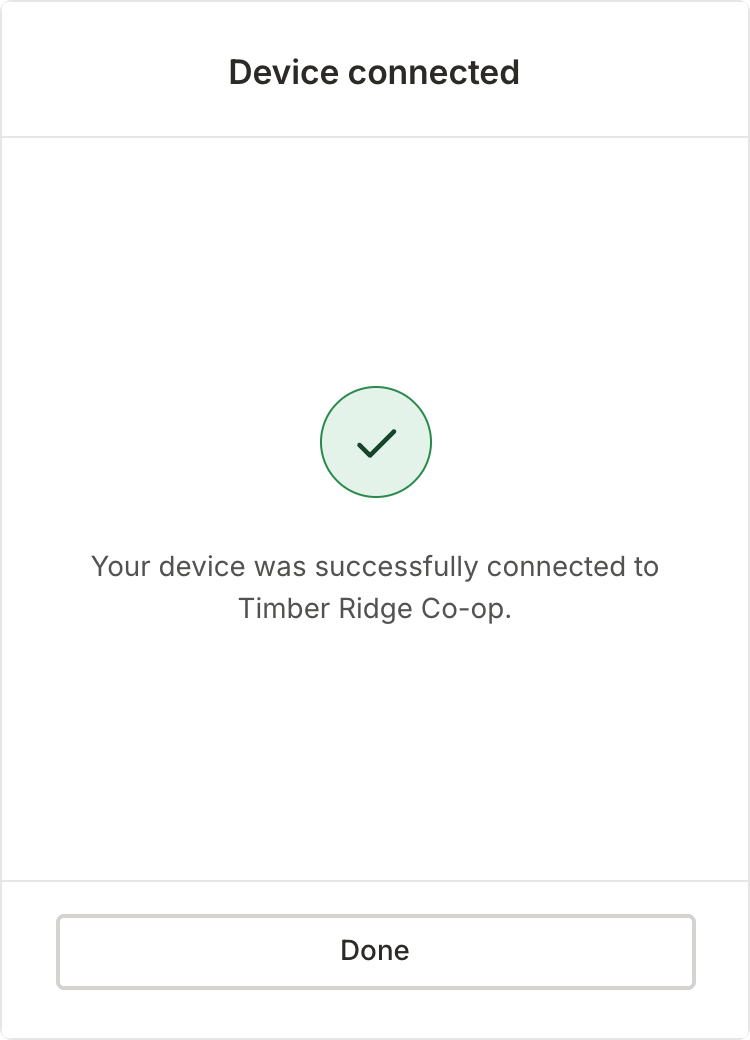
Step 5: Connected
That's it! Selected devices are now connected and reporting into Texture.
The enrollment journey is complete.
Devices will begin reporting into the platform automatically.
Select Done to finish.
Frequently Asked Questions
Are my login credentials stored anywhere?
No. You log in directly on your manufacturer's site, and your credentials are never stored by Texture.
Can I change which devices are shared later?
Yes. Access is reversible — you can revoke or pause it anytime from one place.
Do I need to install any hardware?
No. The entire connection is software-based and takes only a few seconds.